In the dynamic digital workplace, where flexibility is paramount, remote work has become the new norm. While this shift has opened up numerous opportunities for flexibility and productivity, it also comes with significant challenges, particularly regarding cyber security.
With employees accessing sensitive corporate data from various devices and locations, protecting this information has become paramount. This is where Mobile Device Management (MDM) comes into play. MDM security solutions provide businesses with the tools to monitor, secure, and manage devices remotely, ensuring they remain protected regardless of where employees are working.
In this blog, we will explore the role of MDM in enhancing cyber security for remote teams, its key benefits, and how choosing the right MDM solution can safeguard your corporate data from potential threats.
What is Mobile Device Management (MDM) Cyber Security?
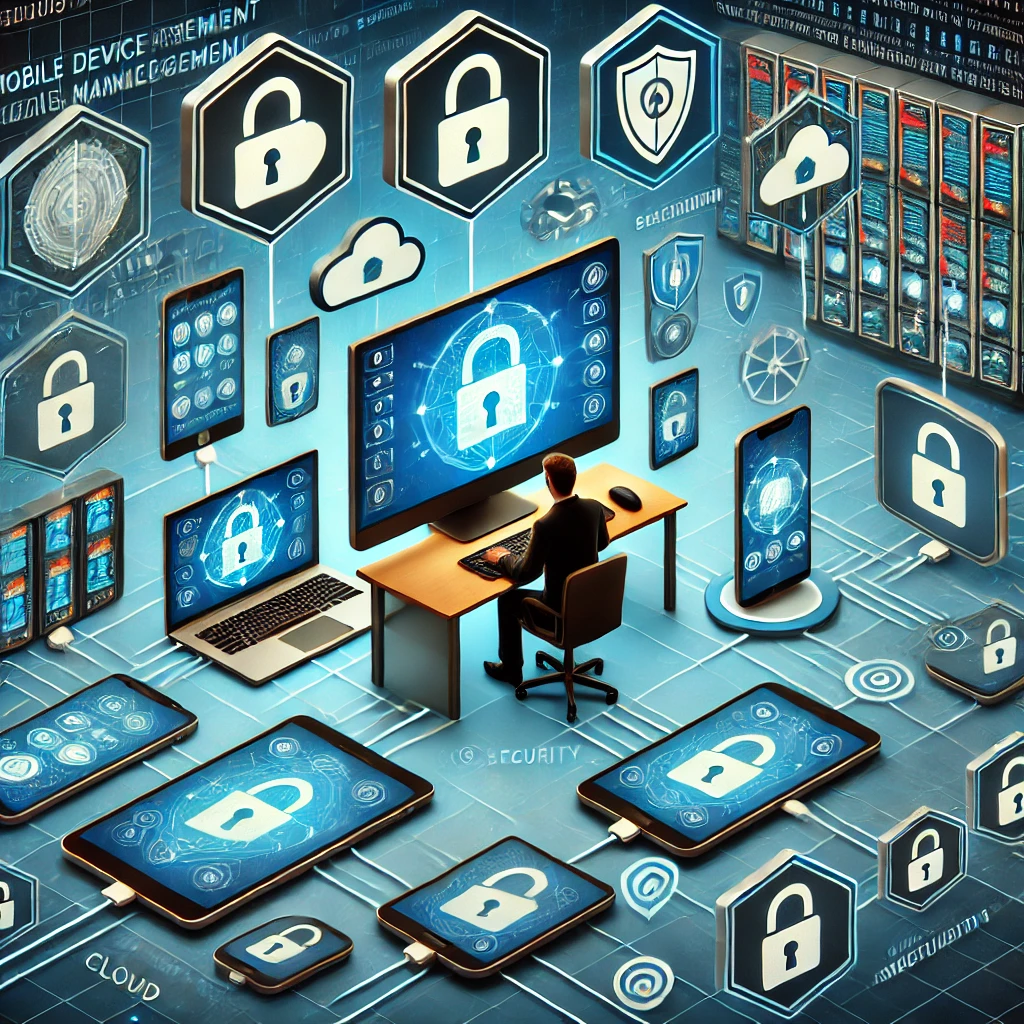
Mobile Device Management (MDM), in cyber security, is a solution that allows IT administrators to remotely manage, monitor, and secure mobile devices, such as smartphones, tablets, and laptops, used by employees in a business environment. MDM security is focused on ensuring that mobile devices accessing corporate networks adhere to the company’s security policies, providing control over these devices from a central platform.
In the context of cyber security, MDM plays a vital role by enabling organizations, for example, to:
- Implement security policies across all devices.
- Monitor device usage and data access in real time.
- Enforce encryption, password protection, and multi-factor authentication.
- Remotely lock, wipe, or block devices in case they are lost or compromised.
Why MDM Cyber Security is Crucial for Remote Teams?
The rise of remote work has blurred the lines between personal and professional device usage. Employees often use personal devices to access work emails, documents, and other sensitive data. This brings unique challenges to businesses in terms of maintaining security, as these devices may not have the same protection as those within a traditional office environment.
Without an MDM solution in place, remote teams are highly vulnerable to cyber threats such as:
- Phishing attacks: Remote workers are prime targets for phishing scams. Without MDM monitoring, it’s harder to prevent employees from inadvertently clicking malicious links or downloading harmful files.
- Data breaches: Unsecured devices accessing company networks could expose sensitive information to hackers.
- Device theft or loss: Remote employees are more likely to lose or have their devices stolen, increasing the risk of unauthorized access to company data.
MDM provides businesses with the visibility and control needed to address these challenges. By implementing MDM security solutions, companies can ensure that only authorized devices and users can access sensitive data and that any potential security risks are addressed immediately. Additionally, MDM enables remote monitoring and the ability to enforce compliance across all devices in the field, making it an essential component of any remote work strategy.
The Benefits of Mobile Device Management Solutions for Remote Teams
As remote work becomes a permanent fixture in today’s business landscape, the benefits of MDM for remote teams are increasingly clear. Let’s take a closer look at some of the key benefits:
1. Enhanced Security
One of the most critical MDM benefits is the ability to protect remote devices from cyber threats. MDM security allows businesses to enforce strict security measures, such as encryption and secure access protocols, on every device that connects to the corporate network. This ensures that sensitive information is protected even if the device is compromised.
MDM cyber security also includes features like remote wiping, which allows IT administrators to erase all data from a lost or stolen device. This reduces the risk of sensitive data falling into the wrong hands. Additionally, MDM monitoring tools can identify and flag suspicious activity on devices, enabling IT teams to take quick action.
2. Centralized Device Management
With MDM, companies can manage and monitor all devices from a single platform. This centralized control makes it easier to enforce security policies, manage software updates, and track device performance. IT administrators can remotely lock or wipe devices, push updates, and ensure that all devices comply with the company’s security protocols without needing physical access to each device.
This centralized management is especially beneficial for remote teams, as it reduces the need for manual interventions and ensures that devices are always up to date with the latest security patches.
3. Improved Productivity
MDM solutions provide remote teams with seamless access to corporate applications and data, without compromising on security. Employees can use their devices to access work files, collaborate on projects, and communicate securely, all while adhering to company policies.
By streamlining access to essential tools and ensuring that devices remain secure, MDM can boost productivity for remote teams, allowing them to focus on their work without worrying about device security or compliance issues.
4. Compliance with Security Regulations
Many industries have strict regulatory requirements when it comes to data security, such as GDPR, HIPAA, and others. Failing to comply with these regulations can lead to hefty fines and damage to a company’s reputation. MDM solutions make it easier for businesses to stay compliant with these regulations by providing the necessary tools to monitor device usage and enforce security policies.
MDM security features such as encryption, remote wiping, and access control ensure that sensitive information is protected and handled in accordance with industry standards. This gives businesses peace of mind, knowing that they are meeting their compliance obligations even in a remote work environment.
5. Cost-Effective Security
Implementing MDM security is a cost-effective way to secure remote teams. With a single solution, businesses can manage and protect all mobile devices without the need for expensive, time-consuming manual processes. By reducing the risk of data breaches, lost devices, and non-compliance fines, MDM provides significant cost savings in the long run.
Solving the Key Vulnerability in MDM Solutions
Despite their widespread application, traditional MDM solutions have a critical weakness: while they secure device and user identity, they fail to protect the actual data once it’s downloaded to a mobile device. When employees access corporate networks from their phones, sensitive information gets stored locally — effectively meaning the data downloaded leaves the safety of your secure network environment. This creates an attractive target for hackers, who increasingly focus on compromising individual employees’ devices rather than network infrastructure.
As companies expand their remote workforces, using a Virtual Mobile Device (VMD) platform offers a robust solution to protect corporate data by providing a virtualized environment for managing and securing the data mobile devices access.
The VMD platform offers several key benefits:
- Scalability: A VMD platform can accommodate a growing number of remote devices, making it ideal for businesses with expanding remote teams.
- Security: Virtual devices are protected by advanced security features, including encryption and multi-factor authentication, reducing the risk of cyber threats.
- Flexibility: Employees can access the VMD platform from any location, ensuring that they remain productive and connected while adhering to company security protocols.
Tackling Mobile Security Challenges with VMDs
So we have learnt that traditional MDM solutions focus on securing individual devices, leaving a gap in security when sensitive data moves beyond the protected corporate network and resides on mobile devices.
To address this challenge, Symmetrium developed a groundbreaking MDM zero-trust solution that shifts the focus from device security to protecting the data itself. By transforming all mobile devices into secure, virtual extensions of the corporate network, Symmetrium ensures that sensitive information remains protected within the organization’s perimeter.
Symmetrium’s approach leverages VMDs, which stay securely within the network, allowing users to access data through peer-to-peer encrypted streaming. This means that data is never stored on external devices, reducing the risk of breaches by adhering to a ‘no data at rest’ principle. Users can securely view and interact with data without needing to transfer it to their physical devices.
This innovative solution offers a smooth transition to a zero-trust environment without the need for overhauling existing infrastructure. By adopting VMDs, businesses can maintain compliance, follow IT protocols, and ensure the highest level of security while empowering remote teams to work seamlessly. In a world where employees and data increasingly operate beyond the traditional boundaries, Symmetrium’s VMD technology embodies the core principles of zero-trust, protecting your organization without compromising on productivity.
Conclusion: Optimizing Mobile Device Management Security
In today’s evolving landscape of remote work, ensuring the security of mobile devices and the sensitive data they access is more crucial than ever. MDM cyber security plays a pivotal role in managing and protecting these devices, offering businesses the tools to monitor, secure, and optimize their mobile fleets.
However, traditional device-focused security solutions often leave data vulnerable once it moves beyond the corporate network. By implementing Symmetrium’s innovative zero-trust mobile MDM solution, businesses can address this gap. With VMDs providing secure, encrypted access without storing data on external devices, companies can adopt a comprehensive approach to data protection, ensuring that sensitive information remains secure within the network perimeter.
Are you ready to enhance your mobile security strategy? Now is the time to leverage the benefits of MDM and explore the potential of zero-trust solutions like Symmetrium to safeguard your organization.
Schedule a demo to see how Symmetrium can protect your organization from escalating mobile security threats.